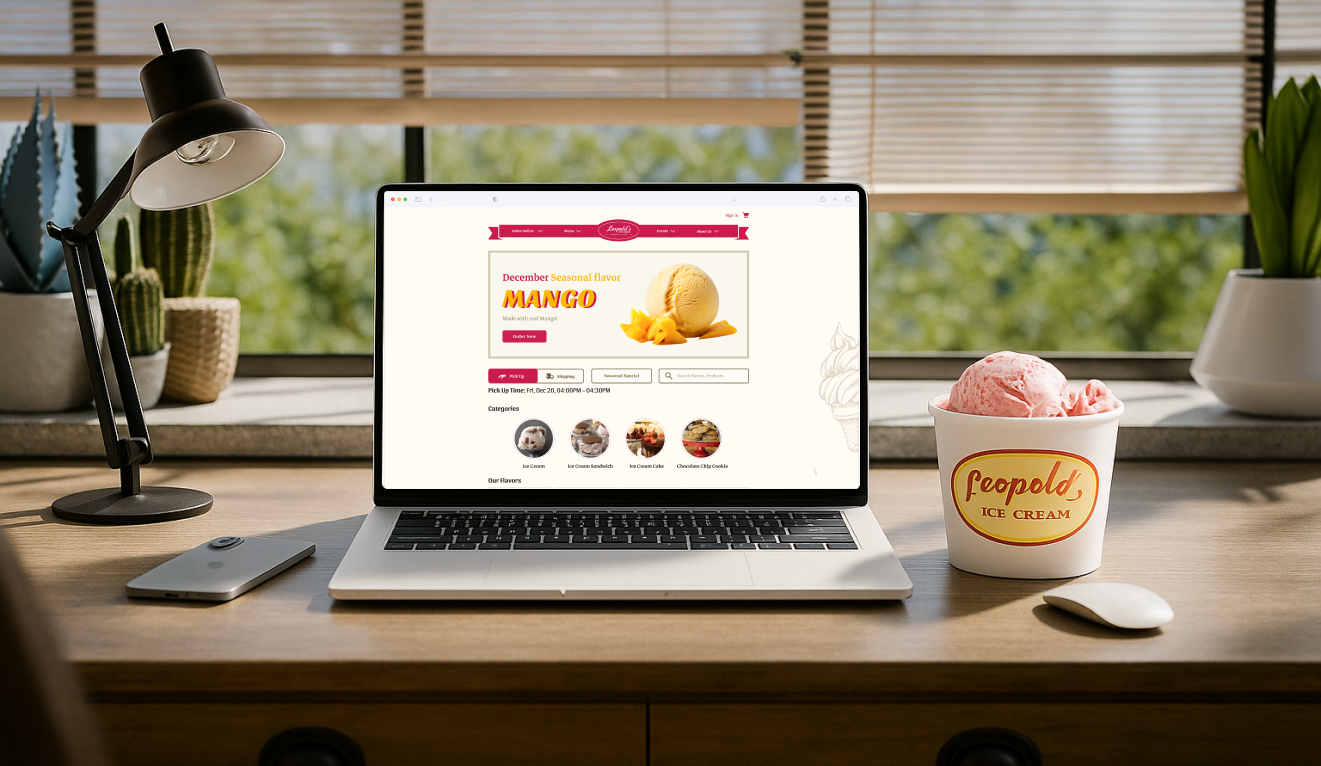
Leopold’s information architecture redesign shown across desktop and mobile screens

Enhancing Leopold’s Website Structure for Better Usability

A redesigned information architecture for Leopold’s website that helps customers easily find key information and place orders, enhancing in-store service and operations.

Duration

3 months | 2024
My Role

UX Designer and UX Researcher

Tools

Figma, Chat GPT4, Adobe Illustrator

Teams

3 other UX Designers

/My Role

UX Designer and Lead

I led a cross-functional team in the UX redesign of Leopold’s website, driving product research, coordinating card sorting sessions, guiding responsive prototyping and user testing, and overseeing motion design to improve usability and support business objectives.

/Problem Framing

Confusing navigation and overwhelming information structure

Leopold’s website suffers from a cluttered and inconsistent navigation system. With unclear categories and disorganized content, users often feel overwhelmed and struggle to find key information, leading to frustration and drop-off.

Ineffective ordering experience and low pickup visibility

Despite offering pickup, poor visibility and a confusing product page—with unclear flavor info and UI issues—make ordering frustrating and limit opportunities to ease in-store wait times.

Design Contraints

The redesign must preserve all existing information architecture elements, focusing on reorganizing them for better clarity and usability.

/Solution Highlights

Brand-aligned layout homepage navigation

Reorganized the homepage to guide customers more easily through the site, while preserving Leopold’s original branding to maintain familiarity and trust.

Optimized ordering system

Reduced unnecessary steps in the ordering process and improved navigation, making it easier for users to choose services and flavors—while highlighting seasonal options to create a more personal, engaging experience.

/Before & After
Annotated comparison of the original and redesigned Leopold’s homepage
Before: Complex Nav bar; Overwhelming hero section; Unclear call-to-action; Missing key product highlights. After: 1. Clean navigation bar — Short navigation with dropdown to easy follow; 2. Clear hero section — Clear brand message in hero section with Simple and direct call-to-action; 3. Product section — Seasonal products featured upfront; 4. Brand message — History, value, and stories will show Leopold’s unique charm and deepen the emotional connection with customers.

Improving Conversion Through Clearer Decision-Making

The simplified selection flow and clearer product details reduce user error and boost confidence. This improves conversion and creates a smoother experience across both online and in-store touchpoints.

Annotated comparison of the original and redesigned Leopold’s product selection flow
Before: Single static product image; Inconsistent portion logic; Unclear Visual Hierarchy; No product grouping. After: 1. Seasonal flavor highlight banner — Introduced hero banner to showcase seasonal flavors and drive attention to time-sensitive offerings.; 2. Toggles and Quick access — Easily switch between pickup and delivery options, improving flow and reducing confusion. Filter helps users explore without needing to dig through menus.; 4. Clear and guided selection — A step-by-step selection process ensures users reduces decision fatigue.; 5. Specific product Cards — Introduced varied imagery to help users better understand presentation. Included concise ingredient info to help users make faster, more confident choices.
/Research Insights

Phygital journey

By conducting interviews with customers near the Leopold’s storefront, we learned that most purchases happen are in-store. However, many customers rely on the digital menu on Google map and social media before or during their visit which informed online and offline touchpoints to shape the full Leopold’s experience.

Customer journey connecting Leopold’s online discovery, store visit, ordering, pickup, and reflection touchpoints
🧭 Discover (Social & Curiosity-Driven): Instagram, Google Maps, word-of-mouth; Discover Leopold’s through social or search; curious about its legacy; Opportunities: Strengthen storytelling around flavors, history, and seasonal offerings 📱 Browse Online: Website, menu, pickup info; Check flavors, pickup options, and seasonal items before visiting; Pain Points: Cluttered navigation, pickup option isn’t clearly promoted, no real-time updates 🧍‍♀️Arrive at the Store: In-store signage, line queue; Decide whether to line up, browse in-store signage to decide on flavors; Pain Points: Long wait times, Inadequate signage for flavors 🍦Place Order In Store: In-person ordering, employee interaction; Choose portion size, cone type, flavor, ask staff questions; Pain Points: Seasonal items may not be clearly differentiated, no ingredient/allergen info shown (ask staff) ✅ Receive & Enjoy: Product pickup counter; Take photos, enjoy with friends; Opportunities: Use signage/banner to remind users about seasonal flavors or pickup next time 💬 Post-Visit Reflection: Reviews, friend recommendations; Share favorite flavor, consider returning, especially for new seasonal offerings; Opportunities: Website/socials can highlight “seasonal flavor”, encourage future pickups

🧩 Card Sorting

Because of the unclear information architecture in the website, we conducted an open card sorting exercise with users. Participants were asked to group existing website content into categories that made the most sense to them. This helped us understand users’ mental models and identify confusing or redundant labels.
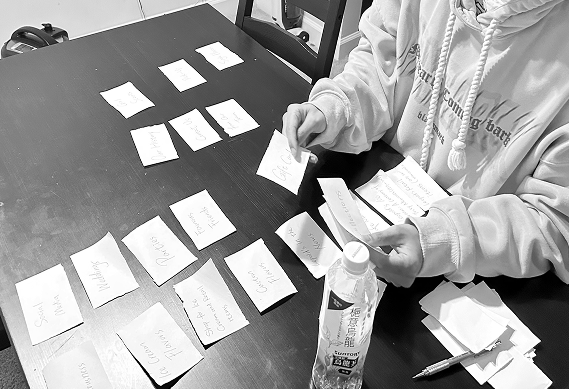
Open card sorting research session used to reorganize Leopold’s website content

Key Insights

  • Users prioritized Menu and About Us as key entry points.
  • Action-based content (like pickup, shipping, and flavors) was grouped together, suggesting for more task-oriented navigation.
  • Content like Gift Cards and Girl Scouts was seen as low priority.
  • Several labels—such as Photos and Single Flavor—were perceived as vague, highlighting the need for clearer naming conventions.

🗂 Information Architecture Refinement

Based on the card sorting results, we restructured the navigation to better reflect users’ mental models and task flows. The new IA emphasizes action-driven categories like Order Online and Menu, while still supporting brand storytelling through sections like About Us and Events. To enhance clarity, we also revised key labels through UX writing, shown in red boxes in the diagram. These changes aimed to make navigation more intuitive and clearer.

/Research Insights

🔄 A/B Testing – Homepage Page

To validate our design decisions and further refine the user experience, we conducted A/B testing on both the homepage and the product page with 30 participants. One key insight was the need for clear functional separation, where users expected more direct, actionable layouts.

🧩 Card Sorting

Because of the unclear information architecture in the website, we conducted an open card sorting exercise with users. Participants were asked to group existing website content into categories that made the most sense to them. This helped us understand users’ mental models and identify confusing or redundant labels.

🧠 Clarity in Layout: 73% of participants found Version 1 easier to navigate due to its clear section hierarchy. “I knew where to look and what to do immediately.” 🎨Color & Appeal: 57% of users preferred Version 2’s warm color scheme, saying it made the product feel more “delicious”. “This version makes me want to eat!” 🏷️ Headline Clarity: “Popular” felt vague, while “Seasonal Product” was seen as more relevant and appealing. “Seasonal makes me want to check it out.” 67% of people like the header of Version1 based on the comment, many of them prefer the logo to be placed in the center. "Buy Now" and "Order Now" have overlapping functions in a narrow scope. Too much text.

🔄 A/B Testing – Product Page

The A/B testing highlighted the importance of clear step-by-step customization, easier search access, and visually streamlined interactions to reduce cognitive load and enhance decision-making.

📢 Hero Banner: Version 2’s banner looked more visually delicious, but some text and nutrition info felt unnecessary. 🧭 Navigation & Filters: Search and “Add to Cart” were clearer in Version 2, but top filters felt crowded. 🍦 Pick Your Flavor: Users liked the clear step-by-step layout and visual tags in Version 2, but found the long popup hard to scroll. Banner is big and clear but less relatedness Overcrowded Layout for buttons Looks more visually appearance Unnecessary information
/UX Writing

Scoop Smarter with Better Words

We found that UX Writing plays a critical role in simplifying decision-making on consumer-facing platforms. On the product customization page, we reorganized flavor selection using a step-by-step format and instructional words.

We also refined ingredient labels and icons to increase allergy awareness and dietary confidence, helping customers feel safe and informed throughout the ordering process.

/Final Prototype
/See more of my work?Scroll to explore more work
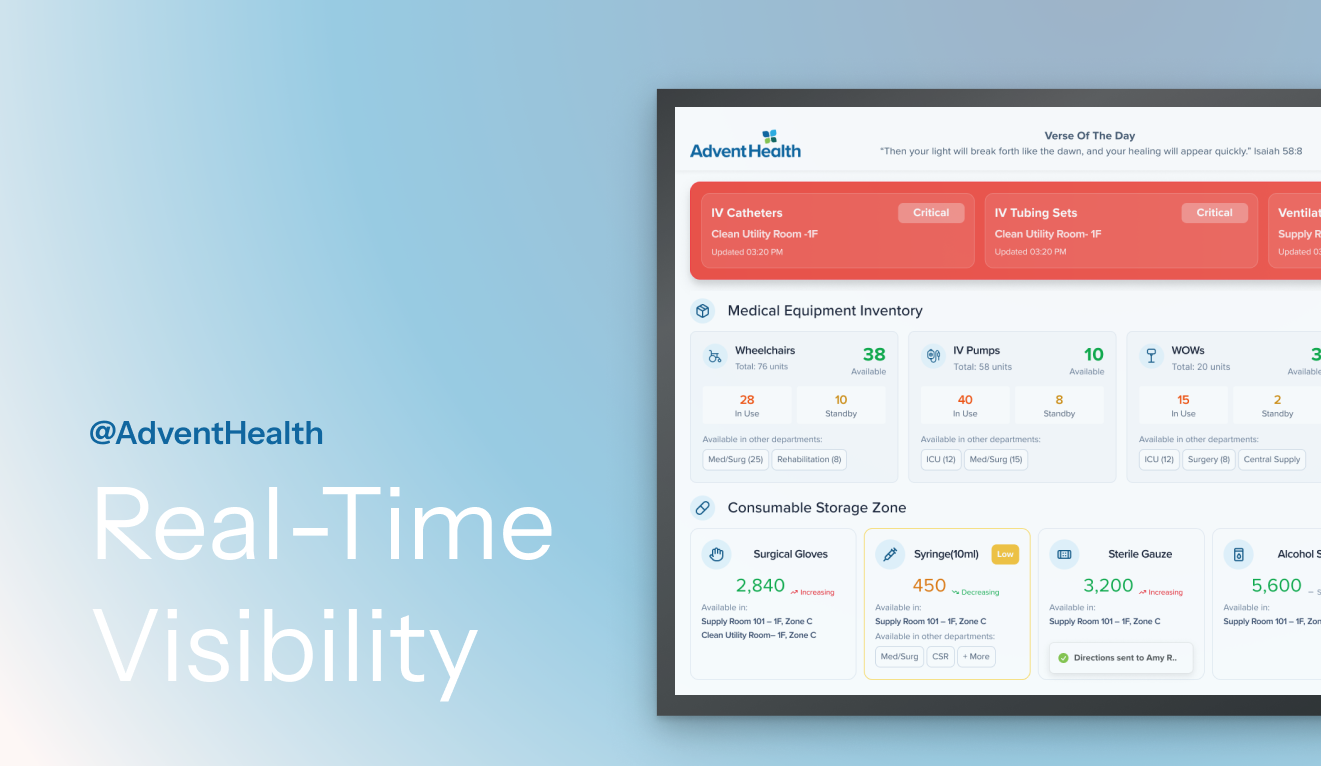
Smart Hospital Asset Visibility System case study preview

Smart Hospital Asset Visibility System

This is a project integrated IoT ecosystem that captures real-time motion, location, and equipment usage across the hospital. I led the end-to-end design of the nurse station dashboard and the work mobile flow, enabling teams to locate tools instantly, reduce delays, and coordinate care smoothly.
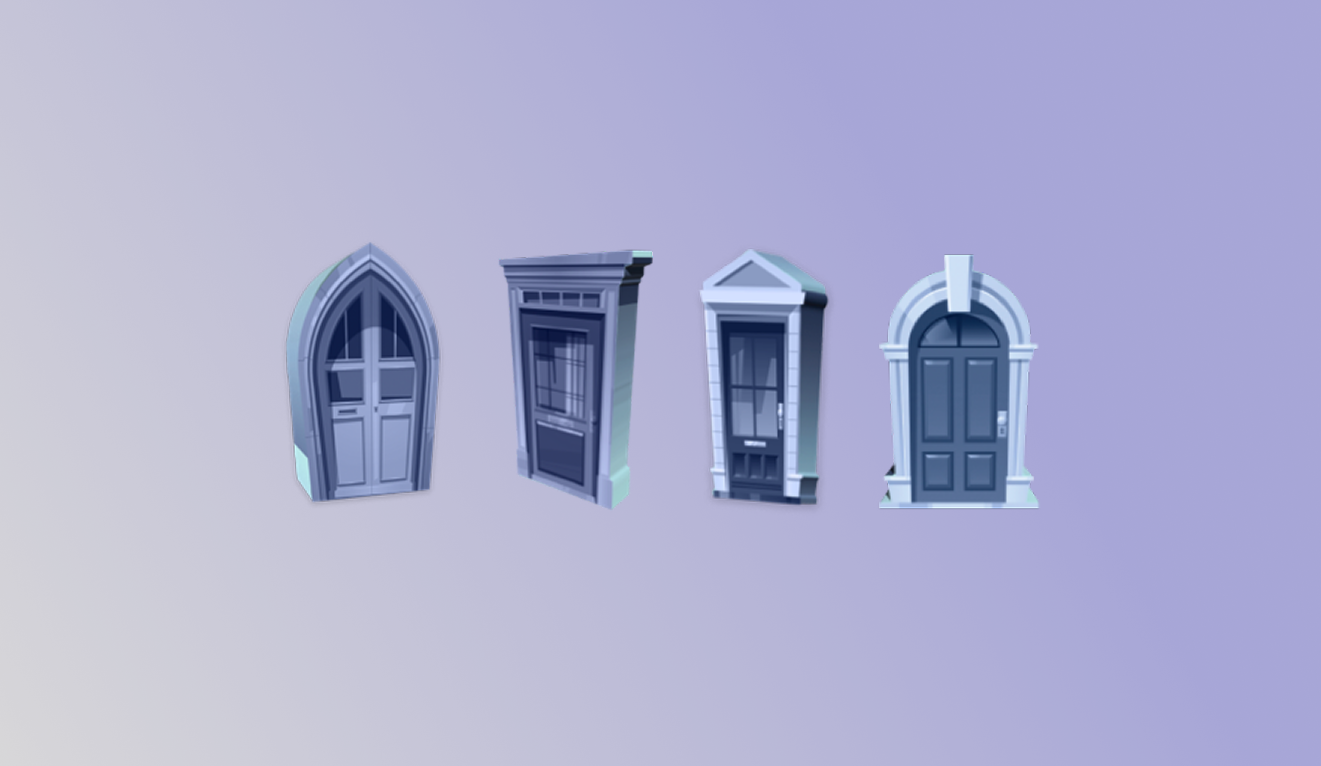
Doorway augmented reality management app concept preview

Doorway

This is a conceptual AR management app that aims to reduce the anxiety of going out by improving organization and motivation. This app helps users feel more prepared and confident in social situations.

/Connect

Let’s do something creative together~